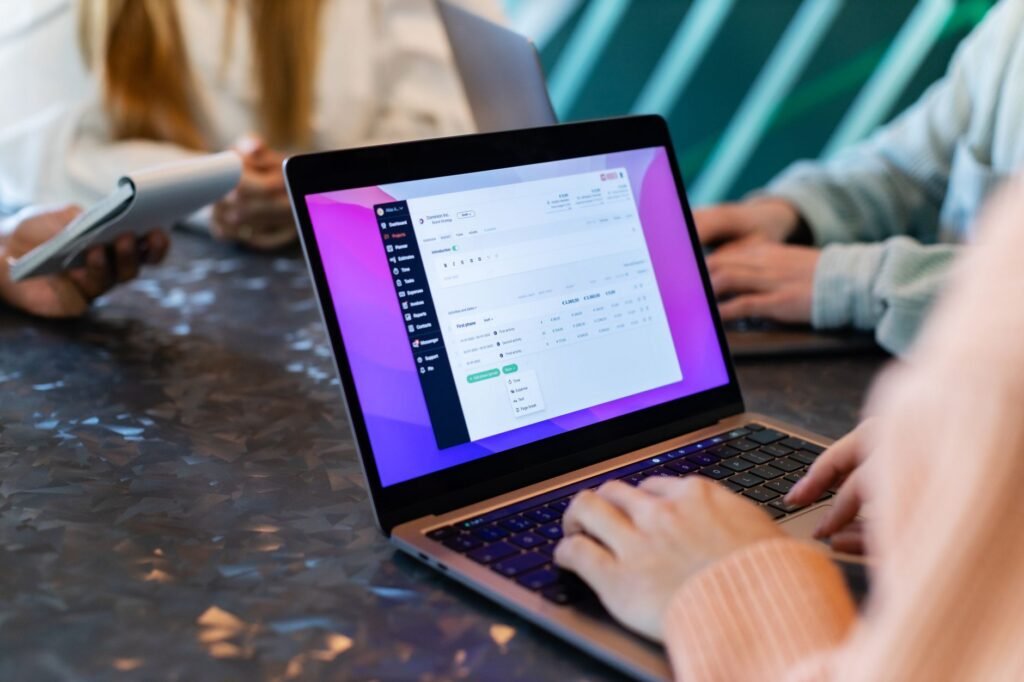
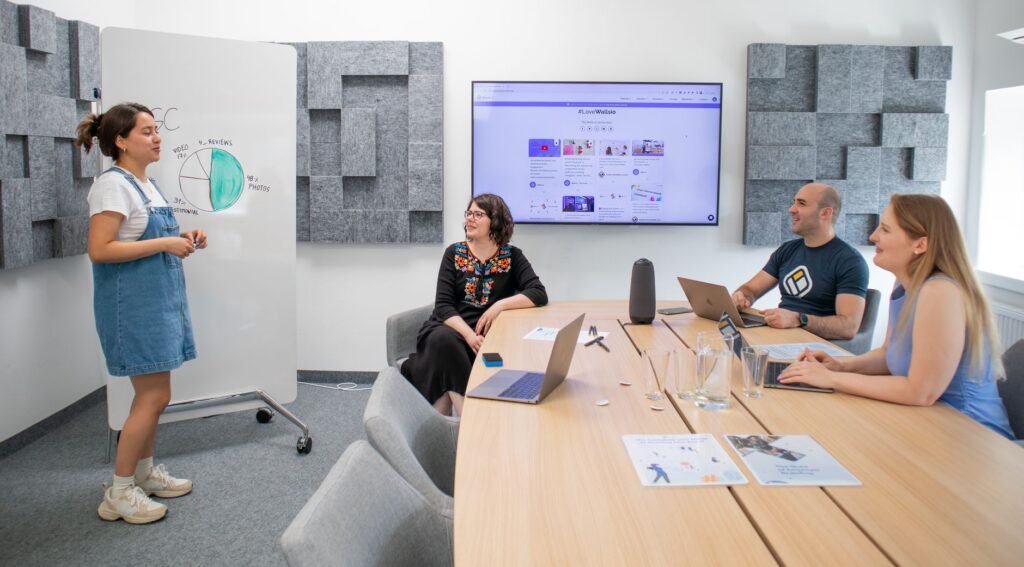
Mastering Google Workspace: Email Groups, Access Control, and Shared Calendars
In the era of hybrid work, centralized administration is not just a technical necessity—it is the foundation of operational efficiency. Google Workspace provides a robust ecosystem that allows businesses to maintain control over information flow while fostering seamless collaboration.
The Challenge of Internal Communication and Data Governance
Many organizations struggle with fragmented communication, where critical data is siloed or exposed due to loose access controls. Furthermore, uncoordinated scheduling often leads to meeting conflicts and wasted time. Without a centralized management system, internal synchronization breaks down, directly impacting overall team productivity.
The Context: Centralized Administration
As businesses scale, the reliance on individual accounts for company operations becomes a liability. Transitioning to a centralized management model via the Admin Console allows IT administrators to enforce security policies, manage resources, and ensure that communication channels remain professional and accessible to the right team members.
Solution Analysis: Optimizing Workspace Operations
Professional Email Group Management
Utilizing Google Groups is essential for managing departmental communication, such as sales@ or support@. By moving away from individual email accounts for these functions, businesses ensure that no customer inquiry is missed and that workflows remain uninterrupted during personnel changes.
Granular Access Control
Effective Google Workspace access control relies on the principle of least privilege. By categorizing users into roles—Viewer, Commenter, and Editor—administrators can protect sensitive assets. It is particularly important to distinguish between Shared Drives and My Drive to ensure that company data remains under organizational ownership rather than tied to individual accounts.
Shared Calendars for Business
Implementing shared calendars for departments and resources (such as meeting rooms or shared equipment) eliminates scheduling overlaps. Synchronized calendars allow team members to visualize project timelines and resource availability, leading to better coordination and reduced administrative friction.
Practical Recommendations for Administrators
- Standardize communication by creating Google Groups for all functional departments.
- Enforce strict access levels in Drive to prevent unauthorized data modification.
- Centralize resource scheduling by creating dedicated calendars for physical assets.
- Regularly audit Admin Console logs to identify and mitigate potential security anomalies.
- Configure SPF, DKIM, and DMARC records to protect your domain’s reputation and prevent email spoofing.
Implementation Checklist
- Create and assign members to functional Google Groups.
- Define and apply access permissions (Viewer/Commenter/Editor) across all Shared Drives.
- Set up and share departmental and resource calendars.
- Review Audit Logs for security monitoring.
- Verify DNS security records (SPF, DKIM, DMARC) for email deliverability.
Conclusion
Methodical management of your Google Workspace environment is essential for stable operations and meeting rigorous security standards. By leveraging these administrative tools, businesses can ensure that their digital workspace remains secure, organized, and highly productive. For complex configurations or tax-compliant billing, partnering with authorized Google Workspace providers can offer the necessary technical support and local expertise.
References
- Chọn Google Workspace phù hợp cho doanh nghiệp của bạn – Google Workspace with Infolinks Cloud
- Google Workspace – Bộ Giải Pháp Tối ưu Cho Doanh Nghiệp
- Bảng giá Google Workspace (Gói dịch vụ Email doanh nghiệp Google)
- 10 lý do Google Workspace là dịch vụ email đáng để nâng cấp ngay!
- Giải pháp email dành cho danh nghiệp vừa và lớn
- Hướng Dẫn Tạo Email Doanh Nghiệp Với Google Workspace (Từ A-Z)
Image credit: Tối ưu hóa quản lý Google Workspace cho doanh nghiệp – Pexels.
- Mastering Customer Data Across Disparate Systems: Solving the Fragmentation Puzzle
- Open-Source AI for Enterprise: A 2025 Strategy for Data Sovereignty and Cost Optimization
- A Cybersecurity Checklist for SMBs: 6 Essential Steps from CISA
- Strategic Enterprise Software Selection: Balancing Growth and Budget
- Securing Google Workspace administrator accounts with MFA